

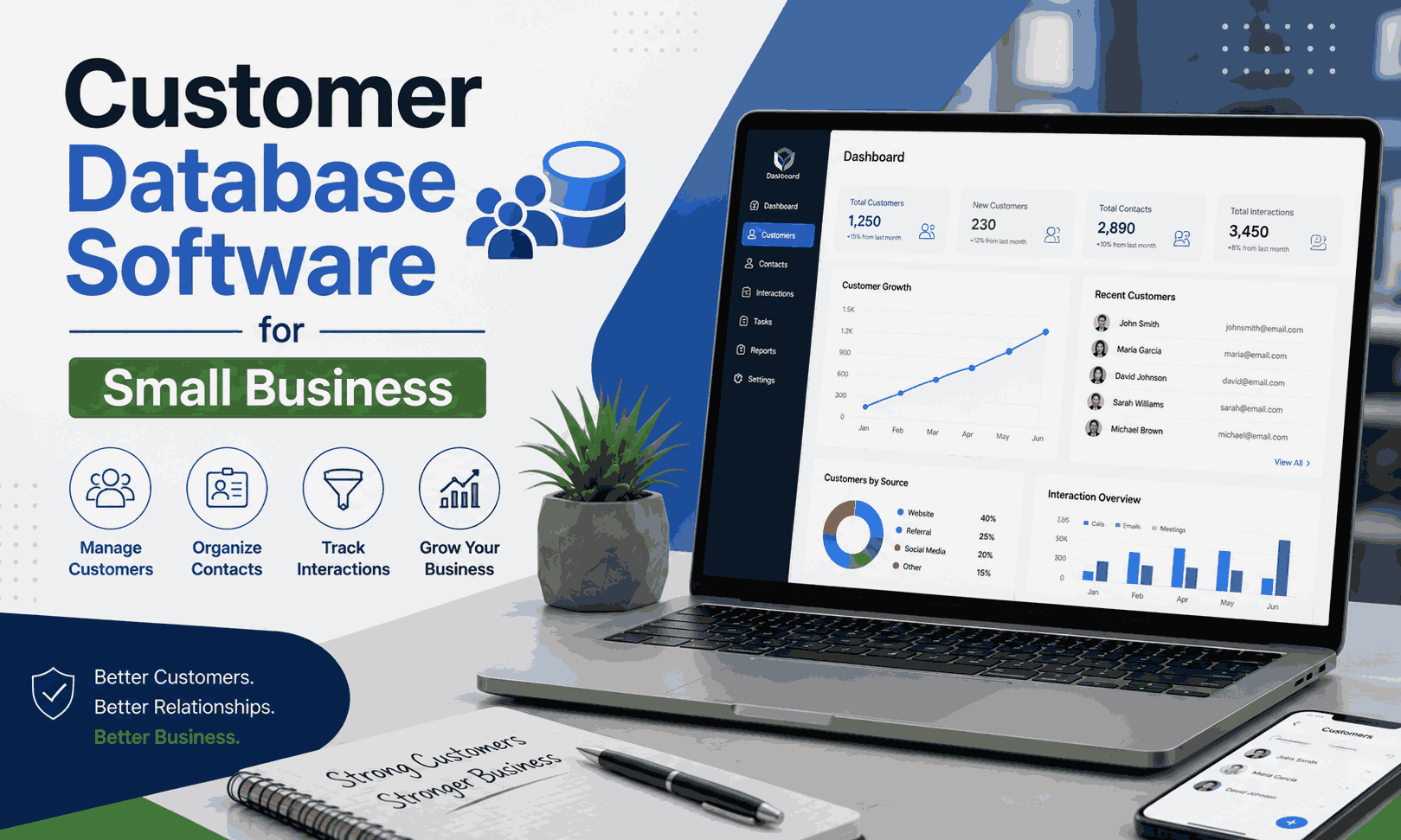
Running a small business gets messy when customer details live in spreadsheets, inboxes, notebooks, and different apps. A good database brings those scattered pieces together. The best customer database software for small business should make customer information easy to find, update, protect, and use.
For a small team, the goal isn’t to buy the biggest platform. You need software that fits your workflow without creating another headache. Some businesses need a simple contact list. Others need sales pipelines, automation, reporting, and marketing tools. This guide compares the leading options and explains how to choose the right fit.
Introduction
The right customer database software for small businesses can turn scattered records into a useful business asset. Instead of searching through old emails, you can manage customer information from one organized workspace. You can also track customer interactions and understand what happened before the next conversation.
That matters as your customer list grows. A spreadsheet may work with 50 contacts. It can become awkward with 500. A dedicated small business customer database gives you stronger organization, reminders, permissions, search tools, and reporting without forcing you into an enterprise setup.
What Is Customer Database Software?
At its core, customer database management software stores customer and prospect details in one structured system. You can keep names, emails, phone numbers, purchases, notes, conversations, deals, and other useful records together. Think of it as a digital filing cabinet that can actually do some work for you.
Modern platforms go beyond basic customer information management software. They can organize customer information, create follow-up tasks, segment contacts, and connect with other business apps. A customer data management system for small business can therefore become the central place where your team understands each customer’s journey.
Customer Database Software vs CRM Software
The terms often overlap, although they aren’t always identical. A basic database mainly stores and organizes information. A CRM adds tools for sales, communication, automation, reporting, and relationship building. In practice, many modern CRM platforms function as a complete customer database system for small business.
| Feature | Customer Database Software | CRM Software |
|---|---|---|
| Contact management | ✓ | ✓ |
| Customer records | ✓ | ✓ |
| Sales pipeline | Sometimes | ✓ |
| Marketing automation | Limited | ✓ |
| Reporting | Basic/Advanced | Advanced |
| Lead management | Basic | Advanced |
| Team collaboration | Depends on software | ✓ |
If your business only needs contact storage, a basic database may be enough. However, a customer relationship management software for small business platform makes more sense when you need sales tracking, automated communication, or detailed customer history.
Why Small Businesses Need Customer Database Software
Small businesses often lose useful information simply because it sits in the wrong place. One employee may have customer notes in Gmail while another keeps a spreadsheet. A third person might have important details in a notebook. This creates friction every time someone needs an answer.
A customer management system for small businesses fixes that gap by creating a shared source of truth. Your team can manage customer contacts, review previous conversations, assign follow-ups, and understand sales activity without asking several people for missing information.
Common Problems Without a Customer Database
| Problem | Business Impact |
|---|---|
| Spreadsheets everywhere | Slow data searches |
| Lost leads | Missed revenue |
| Duplicate records | Confusing customer histories |
| Missing conversations | Poor follow-up |
| Manual data entry | Wasted employee time |
| Limited sales visibility | Weak forecasting |
| Scattered information | Inconsistent service |
The biggest issue isn’t always the missing data. Often, the problem is finding the right data at the right moment. A centralized system reduces that friction.
How Customer Database Software Solves These Problems
A centralized customer database keeps important records together. Automated reminders can prevent forgotten follow-ups. Search filters can quickly locate specific customers. Reporting tools can reveal trends that aren’t obvious from a spreadsheet.
For example, imagine a local service company with 800 customers. A sales representative receives a call from an old client. Instead of asking, “What did we discuss last time?” the representative can open the record and see the customer interaction history within seconds.
Key Benefits of Customer Database Software for Small Businesses
The biggest benefit is clarity. When customer records remain organized, employees spend less time hunting for information and more time serving customers. Good customer records management also creates a more consistent experience because everyone works from the same information.
There is another advantage that often gets overlooked. Better data creates better decisions. Managers can examine customer activity, sales trends, and retention patterns. In other words, customer data organization isn’t just administrative work. It can influence how a business sells and grows.
What Features Should Small Businesses Look For?
Choosing software by feature count alone can backfire. A small company doesn’t need dozens of complicated tools it will never use. Instead, focus on capabilities that solve real daily problems. The right customer contact management software should feel useful from the first week.
Contact Management
Strong contact management lets you create complete customer profiles. You can manage customer contacts while keeping names, phone numbers, emails, companies, notes, and other details together. Good search and filtering also make customer contact information easier to retrieve.
Lead Management
Lead tools help you understand where prospects stand. You can separate new inquiries from qualified prospects and active opportunities. Better systems also support lead and customer management, reminders, scoring, and follow-up workflows.
Customer Interaction History
Every useful interaction can add context. Emails, calls, meetings, purchases, notes, and support conversations can build a clearer picture of the relationship. This customer interaction history helps employees avoid repeating questions or overlooking important details.
Sales Pipeline Management
A visual pipeline shows how prospects move toward a purchase. Instead of guessing which deals might close, your team can see their current stages. This makes sales and customer tracking more practical and gives managers better visibility.
Task and Follow-Up Automation
Small teams can’t afford to remember every task manually. Automation can create reminders, schedule messages, assign activities, and trigger notifications. Automated customer follow-ups are especially useful when leads require several conversations before making a decision.
Reporting and Analytics
Reports turn raw records into useful information. You might monitor conversion rates, customer activity, revenue, or sales performance. These insights help owners spot weak areas and make decisions based on evidence rather than instinct.
Search, Integrations, and Mobile Access
Fast search becomes increasingly important as records grow. Meanwhile, integrations can connect your database with Gmail, calendars, accounting platforms, marketing tools, and e-commerce systems. Mobile access also lets employees review customer records while working away from the office.
Security, Customization, and Ease of Use
A database should store customer data securely with suitable permissions, backups, and access controls. Custom fields and tags can adapt the system to your business. Most importantly, the interface should remain simple enough for your team to use consistently.
10 Best Customer Database Software for Small Business in 2026
The market contains everything from lightweight contact tools to powerful enterprise platforms. The following comparison focuses on common small-business needs, including usability, scalability, automation, and cost.
| Software | Best For | Free Plan | Key Strength | Ease of Use |
|---|---|---|---|---|
| HubSpot CRM | All-in-one CRM | Yes | CRM + marketing | Easy |
| Zoho CRM | Budget-conscious teams | Yes | Customization | Moderate |
| Pipedrive | Sales teams | Trial | Sales pipeline | Easy |
| Freshsales | Sales automation | Trial/plan dependent | AI + sales | Easy |
| monday CRM | Flexible workflows | Trial | Customization | Easy |
| Salesforce | Growing companies | Trial | Advanced customization | Complex |
| Bigin by Zoho | Micro-businesses | Yes/Trial | Simple CRM | Easy |
| Less Annoying CRM | Simple contact management | Trial | Simplicity | Very Easy |
| Capsule CRM | Small teams | Yes/Trial | Contact management | Easy |
| Bitrix24 | Collaboration | Yes | CRM + teamwork | Moderate |
Pricing and plan limits change frequently. For example, HubSpot currently lists free CRM tools with up to two users and 1,000 contacts. Zoho also offers a free CRM edition for up to three users.
1. HubSpot CRM — Best Overall for Small Businesses
HubSpot stands out for companies wanting an accessible platform with CRM, sales, service, and marketing capabilities. Its free offering includes contact management, deal pipelines, importing, and reporting. That makes it a strong starting point for smaller teams.
2. Zoho CRM — Best Affordable CRM
Zoho CRM suits businesses that want plenty of customization without immediately moving toward an enterprise platform. Its free edition includes contact management, follow-up reminders, workflow automation, reports, and mobile apps.
3. Pipedrive — Best for Sales Pipeline Management
Pipedrive focuses heavily on sales pipelines. Its current plans include Lite, Growth, Premium, and Ultimate tiers. Costs depend on seats, billing cycle, and optional add-ons.
4. Freshsales — Best for AI-Powered Sales Management
Freshsales is designed around sales teams that want contact management, lead scoring, email tracking, and automation. It can work well when sales activity matters more than having a huge collection of business-management features.
5. monday CRM — Best for Custom Workflows
monday CRM appeals to teams that prefer flexible workflows. Its visual structure can help businesses shape customer records, pipelines, tasks, and team processes around their existing way of working.
6. Salesforce — Best for Growing Businesses
Salesforce offers exceptional customization and scalability. However, that power comes with complexity. A very small company may find the setup excessive when it only needs basic contact management and follow-ups.
7. Bigin by Zoho — Best for Micro-Businesses
Bigin targets smaller organizations that don’t need the breadth of a traditional enterprise CRM. Its simpler approach makes it worth considering for teams that want basic pipelines and customer records without excessive complexity.
8. Less Annoying CRM — Best for Simplicity
Less Annoying CRM takes a straightforward approach. It’s designed around small-business users who want contact records, tasks, calendars, and lead organization without navigating a complicated enterprise interface.
9. Capsule CRM — Best for Simple Contact Management
Capsule CRM focuses on contacts, relationships, sales opportunities, tasks, and integrations. It’s a sensible option for teams that value a clean interface and don’t need an enormous software ecosystem.
10. Bitrix24 — Best for CRM and Team Collaboration
Bitrix24 combines CRM with communication and collaboration features. Its current US materials show a free plan alongside paid tiers, with the free plan supporting unlimited users.
Free vs Paid Customer Database Software
Free software can be surprisingly capable. A freelancer or tiny business with a modest contact list may not need premium automation. In that situation, free customer database software for small business can provide enough value to get started without adding another monthly bill.
Paid software becomes more attractive when your operation grows. Multiple salespeople, advanced reporting, deeper integrations, permissions, and automation can justify the expense. The key is measuring whether those features save time or generate revenue.
| Need | Free Software | Paid Software |
|---|---|---|
| Basic contacts | Excellent | Excellent |
| Small customer list | Good | Excellent |
| Advanced automation | Limited | Strong |
| Detailed reporting | Limited | Strong |
| Multiple integrations | Varies | Usually better |
| Advanced permissions | Limited | Better |
| Scaling teams | Varies | Better |
How to Choose the Best Customer Database Software for Your Small Business
Start with your actual workflow. Don’t begin with a feature checklist copied from another company. Ask how many customers you have, how many people need access, how leads arrive, and which tasks currently consume the most time.
Then compare usability, pricing, integrations, security, and scalability. A free trial can reveal problems that a sales page won’t show. The best customer database software for small business is ultimately the platform your team will use correctly every day.
How to Start a Small Business from Home in Simple Steps
How Much Does Customer Database Software Cost?
Pricing varies widely. Some platforms offer free tiers. Others charge per user each month. Premium plans may add automation, reporting, permissions, or larger usage limits. Pipedrive, for instance, calculates subscription costs around plan selection, seats, billing frequency, and add-ons.
Don’t look only at the advertised monthly price. Additional users, premium integrations, onboarding, storage, advanced automation, and usage-based features can change the real cost. A slightly more expensive platform may still be cheaper if it saves several hours of work every week.
How to Set Up a Customer Database for a Small Business
Begin by collecting existing records from spreadsheets, email systems, forms, and other tools. Clean duplicate entries before importing anything. Then create fields that reflect your actual business process. This might include customer type, lead source, purchase history, location, and sales stage.
After importing your data, connect useful integrations and establish follow-up rules. Train your team before making the system mandatory. Finally, review the database regularly. Even the most advanced customer database system for small business becomes unreliable when nobody maintains the records.
Customer Database Best Practices for Small Businesses
Good database management is mostly about consistency. Keep records updated, use standard fields, remove duplicates, and avoid collecting information that your business doesn’t genuinely need. Clear rules make customer data storage safer and easier to manage.
Access control matters too. Not every employee needs access to every record. Use appropriate permissions, backups, secure authentication, and regular audits. These habits turn customer relationship management tools into a dependable business resource rather than another digital storage box.
Customer Database Software for Different Types of Small Businesses
Different businesses need different systems. A retailer may care about purchases and repeat customers. A service company may prioritize appointments and communication history. A startup might need affordable automation while an agency may need multiple pipelines and team collaboration.
That means the right solution depends on workflow rather than industry labels alone. A freelancer may prefer simple customer database software, while a growing B2B company may need automation, lead scoring, reporting, and multiple sales stages.
Customer Database Software vs Excel or Google Sheets
Spreadsheets aren’t useless. In fact, they’re excellent for small lists, temporary projects, and simple calculations. The problem appears when your spreadsheet becomes the unofficial CRM for an entire team. At that point, manual updates can create errors and slow everyone down.
| Feature | Excel/Google Sheets | Customer Database Software |
|---|---|---|
| Contact storage | ✓ | ✓ |
| Automation | Limited | ✓ |
| Sales pipeline | Manual | ✓ |
| Follow-up reminders | Limited | ✓ |
| Customer history | Manual | ✓ |
| Reporting | Manual | Advanced |
| Team collaboration | Limited | ✓ |
| Scalability | Limited | ✓ |
| Integrations | Limited | Extensive |
A spreadsheet can remain perfectly reasonable for a tiny operation. Once you need automation, permissions, relationship history, or team workflows, dedicated customer tracking software for small business becomes much more practical.
Common Mistakes to Avoid When Choosing Customer Database Software
The most common mistake is buying software because it has the longest feature list. Complexity has a cost. If employees struggle to update records, your expensive system may contain less useful information than a simple spreadsheet.
Another mistake involves ignoring future growth. Think about customer volume, team size, integrations, security, and reporting before committing. Always test the platform first. A short trial can reveal whether the interface actually fits your team’s habits.
Frequently Asked Questions
What is the best customer database software for a small business?
HubSpot is a strong starting point for many small businesses because its free CRM combines contact management and sales tools. However, Zoho, Pipedrive, Bigin, and other platforms may suit different workflows.
Is customer database software the same as CRM?
Not always. A database primarily stores information. CRM software usually adds sales pipelines, communication tracking, automation, reporting, and relationship tools.
What is the best free customer database software for small businesses?
HubSpot and Zoho both provide free options with useful CRM capabilities. Their current limits and features should be checked before signing up.
Can I use Excel as a customer database?
Yes. Excel works well for small and simple datasets. However, dedicated software becomes more useful when you need automation, interaction histories, sales pipelines, permissions, and integrations.
How much does customer database software cost?
Some platforms cost nothing for basic use. Paid plans commonly use monthly or annual subscriptions, often based on users and features. Always check the provider’s current pricing before purchasing.
How do small businesses organize customer information?
They typically use structured customer profiles containing contact details, interactions, sales activity, notes, purchases, and relevant tags. A centralized platform makes this information easier to maintain.
Can customer database software automate follow-ups?
Yes. Many modern CRM platforms can create tasks, reminders, email sequences, and workflow triggers based on customer or sales activity.
Can customer database software integrate with Gmail?
Many popular CRM systems support Gmail or other email integrations. HubSpot, for example, states that its free CRM can connect with Gmail and several Outlook versions.
What is the easiest customer database software for beginners?
There isn’t one answer for every business. HubSpot, Bigin, Capsule, and Less Annoying CRM are worth considering if simplicity is your main priority.
Final Verdict: Which Customer Database Software Is Best for Small Businesses?
The right choice depends on what you need today and where your business is heading. HubSpot is a compelling all-around option. Zoho works well for budget-conscious teams that want customization. Pipedrive suits sales-focused companies. Bigin can make sense for micro-businesses that want a simpler setup.
Most importantly, don’t confuse more features with more value. The ideal customer database software for small business should make daily work easier, keep records accurate, protect customer information, and help your team build stronger relationships. Start with your real needs. Then choose a system that can grow with you.
